Dictation that stays on your Mac.
Press a key, speak, and LocalScribe types it into whatever app you are using. 100% on-device, private by design, and completely free.
Hold your chosen key, speak, release. The text is typed straight into the focused field, in any app.
Tap your key + Space to keep recording without holding. A floating pill shows an insert (checkmark) and discard (trash) button.
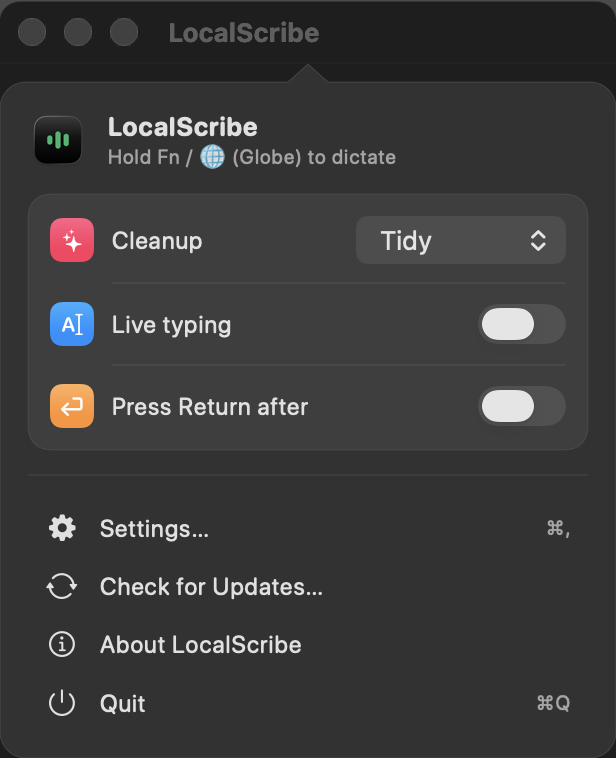
Optionally tidy your speech as you go. Modes: Raw, Tidy (removes filler and repeats, fixes misheard words in your own voice), Bullets, and Summary. Powered by Apple Intelligence Foundation Models, all on-device.
See words appear as you speak, raw and self-correcting.
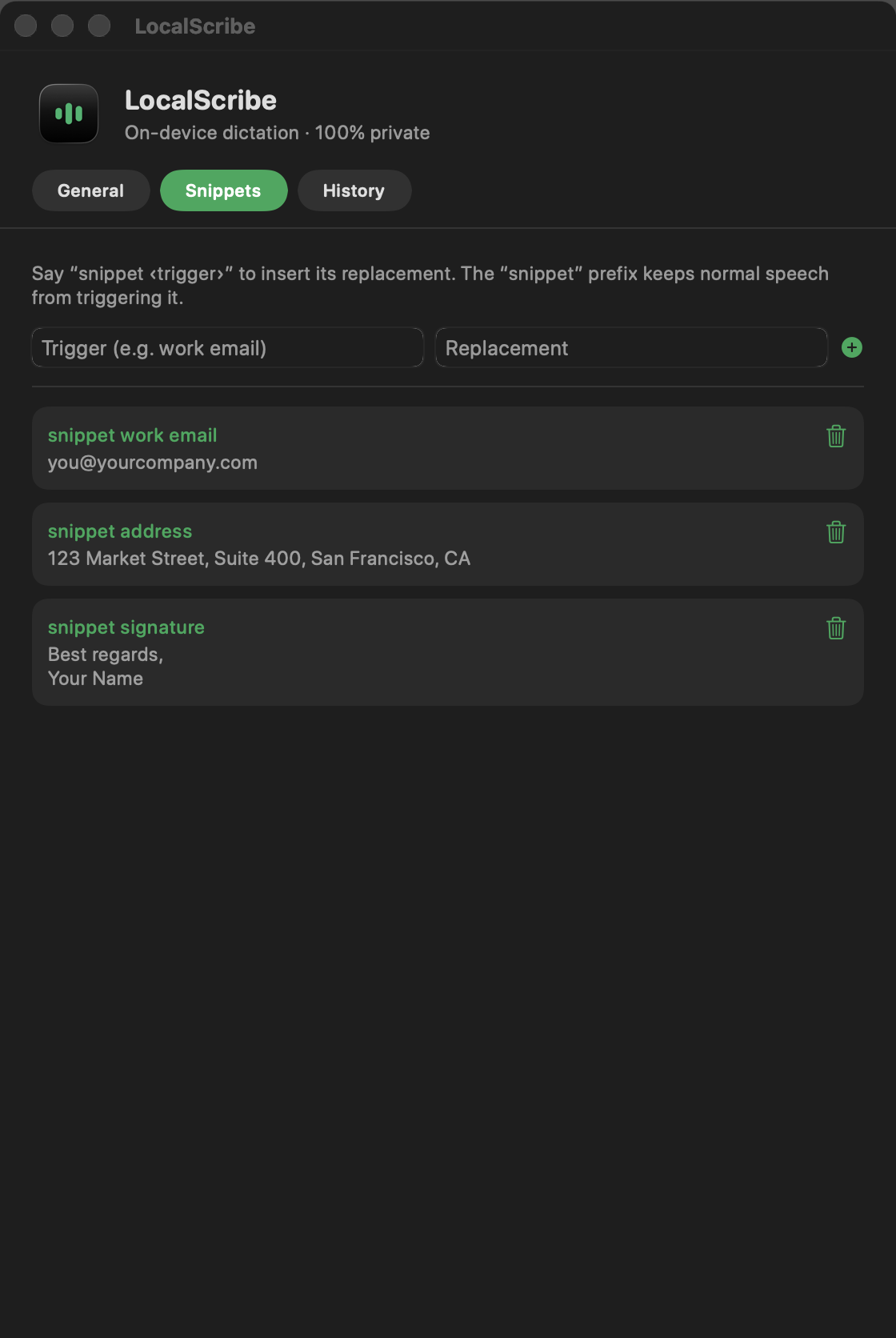
Say "snippet" plus a trigger to expand saved text (signatures, emails, boilerplate).
Native apps, browsers, terminals, and Electron apps like VS Code and Slack. Long passages paste instantly via the clipboard.
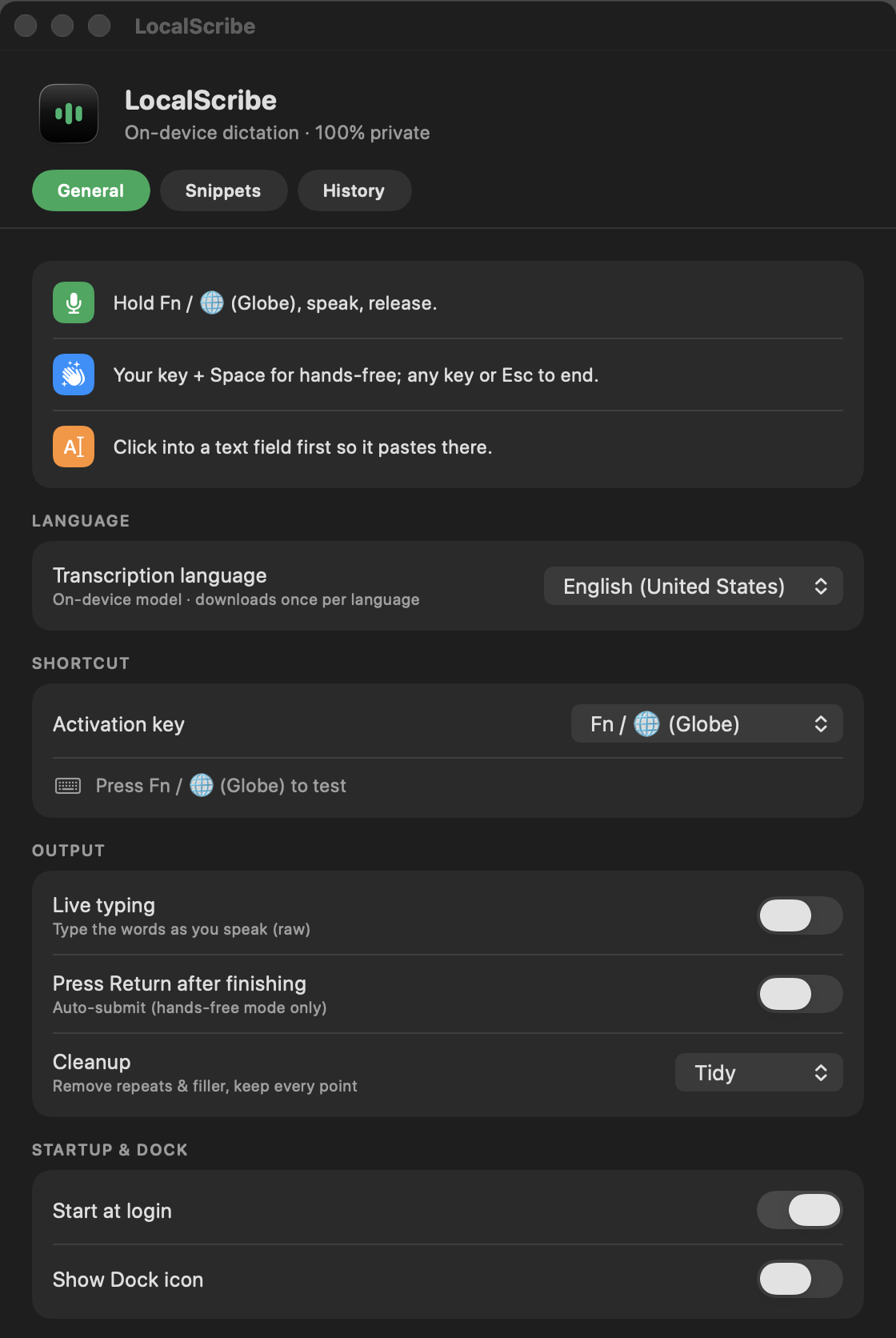
Choose any language the on-device speech model supports.
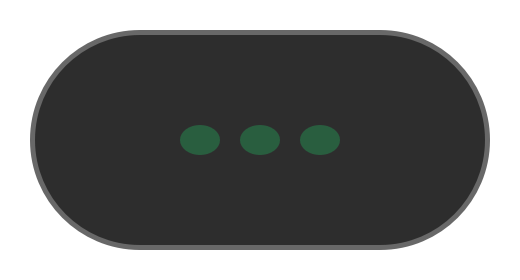
A small, draggable indicator at the top of the screen. Quiet dots when idle, green bars while listening, a spinner while it cleans up, then it pastes.
Pick the activation key. Left or Right Option, Left or Right Command, Right Control, or Fn.
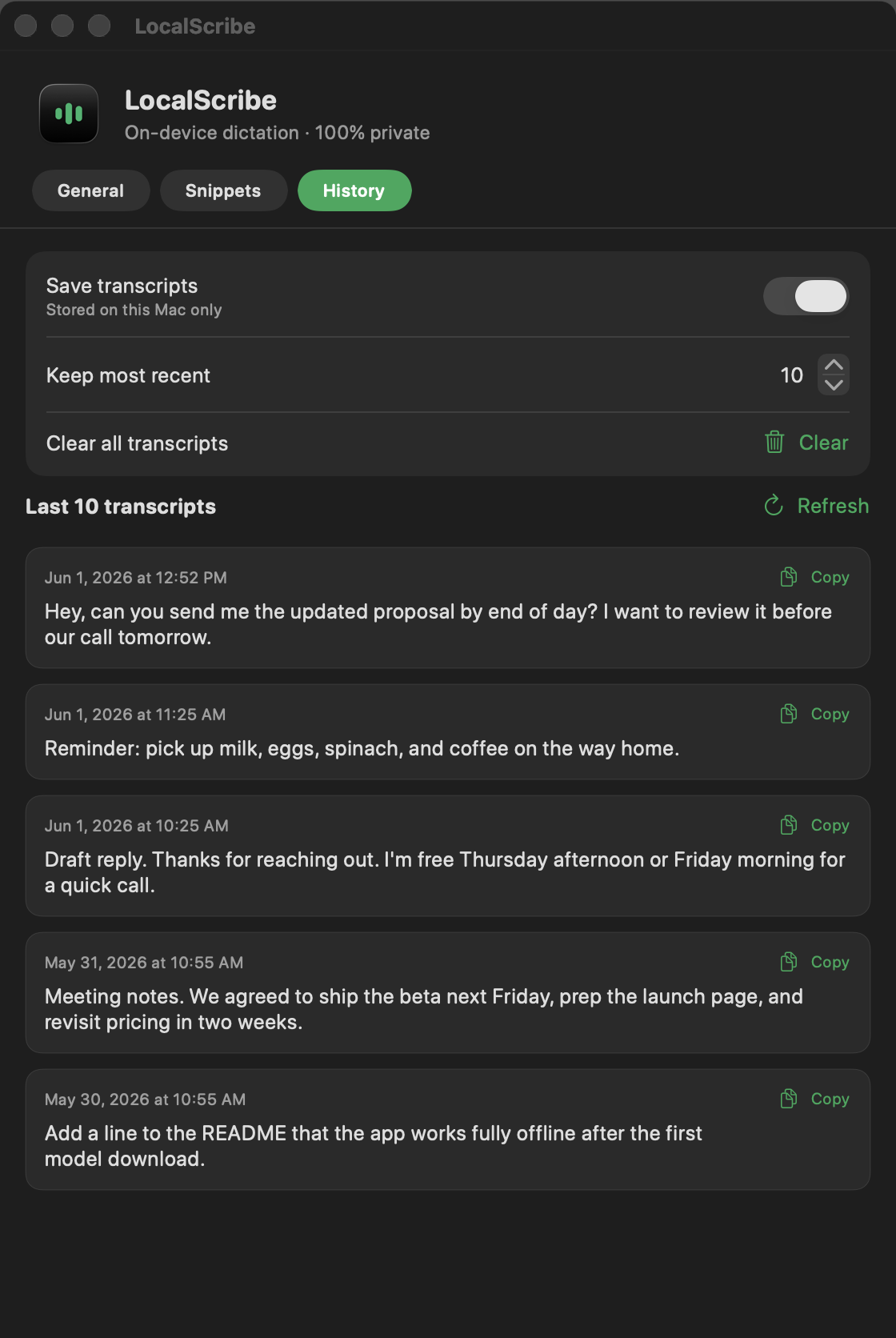
Recent transcripts are kept locally and are copyable. Set how many to keep, disable saving, or clear them all.
Optionally press Return after dictation in hands-free mode, so chats and search boxes send automatically.
Launch at login, optional Dock icon, menu bar access.



LocalScribe can optionally polish your dictation before it’s pasted, using Apple’s on-device foundation model that ships with Apple Intelligence. It’s the roughly 3-billion-parameter LLM Apple runs locally on the Neural Engine. Nothing leaves your Mac. You pick the mode in Settings, and it’s applied automatically every time you finish dictating. If Apple Intelligence isn’t enabled, LocalScribe pastes Raw. Cleanup is skipped while Live typing is on, so the text keeps flowing as you speak.
Verbatim. Exactly what was said, no changes.
Removes filler, false starts, and repeats. Fixes misheard words from context. Keeps every point. Preserves your first-person voice.
Reformats into concise bullet points, one idea per line.
Condenses to a shorter, clearer version that keeps the key points.
“Um, so I was thinking, like, we should probably, you know, move the launch to next week, uh, because the designs aren't ready yet, and we also need to finish testing the checkout flow, and I think marketing wanted, like, another week anyway.”
“I was thinking we should move the launch to next week, because the designs aren't ready yet and we still need to finish testing the checkout flow. Marketing wanted another week anyway.”
“Let's push the launch a week: the designs and checkout testing aren't done, and marketing wants more time.”


LocalScribe is signed with a Developer ID and notarized by Apple, so it opens with no Gatekeeper warnings on first launch. Download the DMG, drag LocalScribe to Applications, launch, and grant the three permissions when prompted: Microphone, Speech Recognition, and Accessibility.

Yes. No subscription, no account, no in-app purchases.
No. All transcription and cleanup runs on your Mac.
Any app with a text field, including browsers, terminals, and Electron apps.
Yes, after the one-time language model download.
Free · No account · Notarized by Apple · Works offline