A guided tour

You are deciding whether this app is worth your time. Here is exactly what it does.

HeadPause is a practice tool for balance, stillness, and steadiness. It reads head motion from the sensors in your AirPods and turns it into a small, honest set of signals. This page walks through every screen, every mode, and every metric in the order you would see them.

It is not a medical device. It is a patient, quiet ruler you can practice against.

Part 1 · Orientation

What HeadPause actually is.

Before the tour, the one-paragraph framing. Why head motion, why AirPods, and what the app does with what it reads.

1.1 · The premise

Your AirPods already know where your head is.

The motion sensors in AirPods, AirPods Pro, and AirPods Max track head pitch, roll, and yaw roughly ten times a second. HeadPause is the practice loop built around that signal.

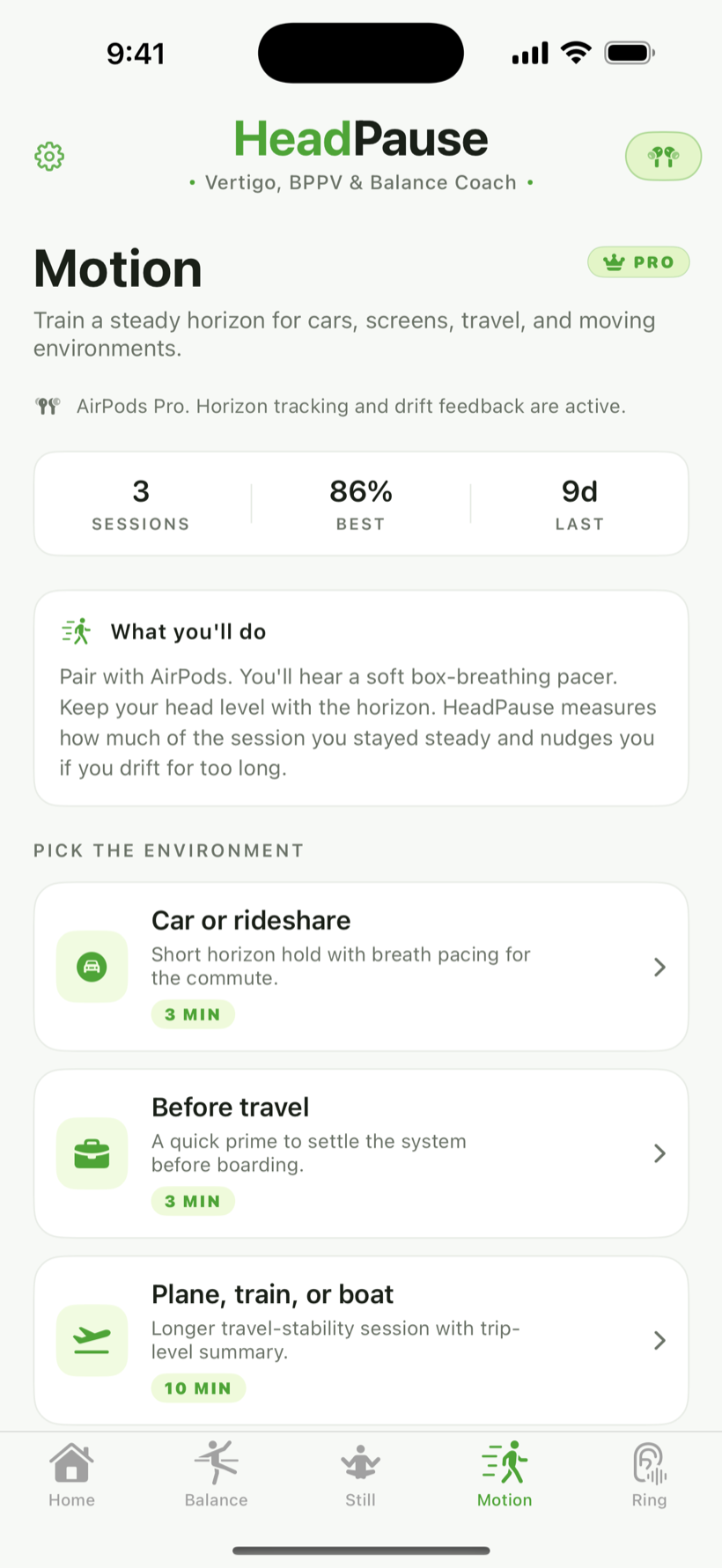
There are three practice modes. Balance runs clinician-style canalith repositioning maneuvers for people working on positional vertigo. Still is a quiet, eyes-closed steadiness session. Motion is a horizon-hold practice for moving environments like cars, trains, and planes.

Nothing leaves your device. No microphone, no HealthKit, no account. One permission: AirPods motion.

1.2 · Ruler, not coach

The single rule the app tries not to break.

HeadPause will not tell you whether you are doing well. It will tell you that your held-steady percent was 72, your peak drift was 11 degrees, and your calm score was 58.

Whether that is progress is yours to decide.

Part 2 · First launch

What opening the app for the first time feels like.

A short onboarding, one permission prompt, and a connection check for your AirPods. No account, no email, no sign-up.

2.1 · The welcome card

You tap the icon. This is what loads.

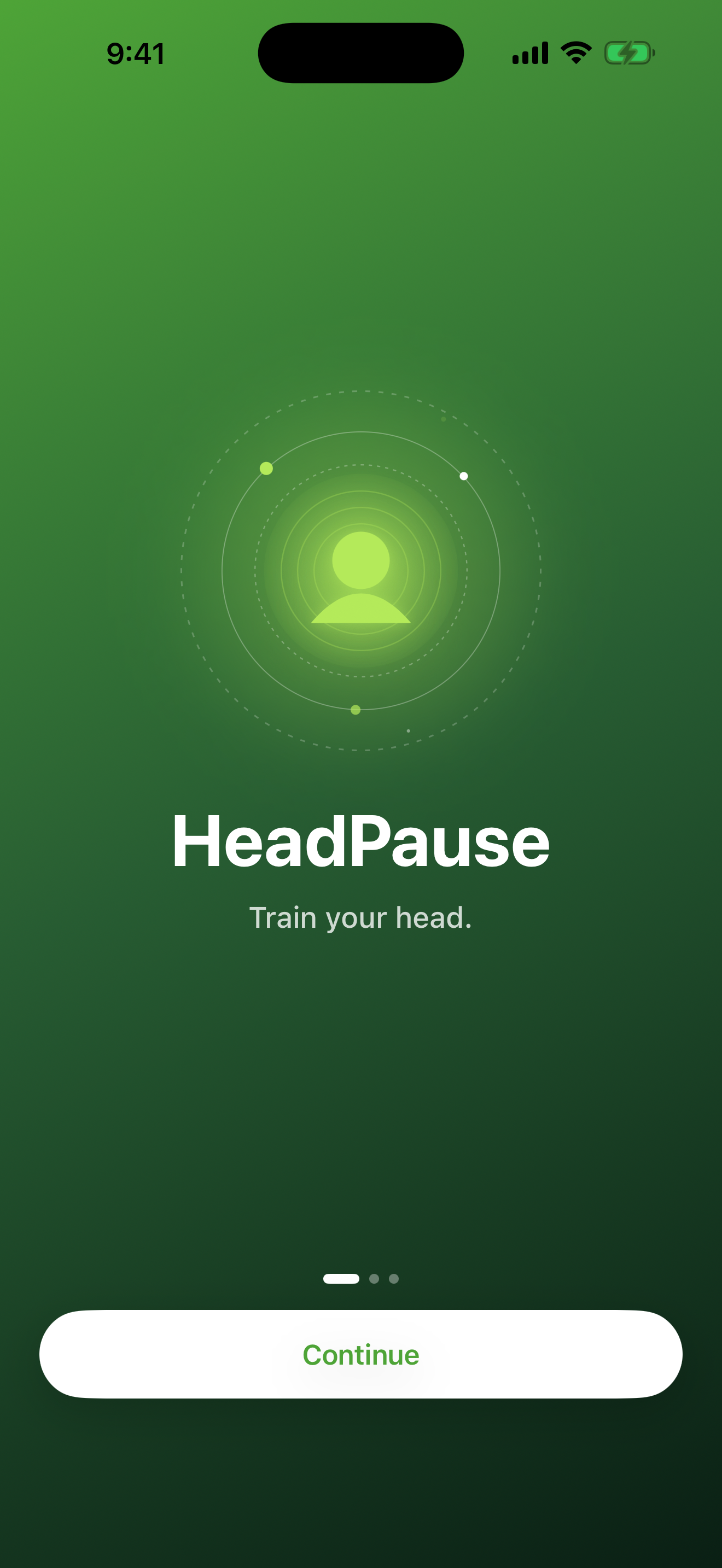
No splash, no loading spinner. A single card with the lime crescent logo and three words underneath: Train your head.

One button, Get Started. Three page dots under it tell you there are two more cards ahead. No skip on this first page.

HeadPause welcome card with lime crescent logo and Train your head title
2.2 · The three-modes overview

The second card tells you what you just downloaded.

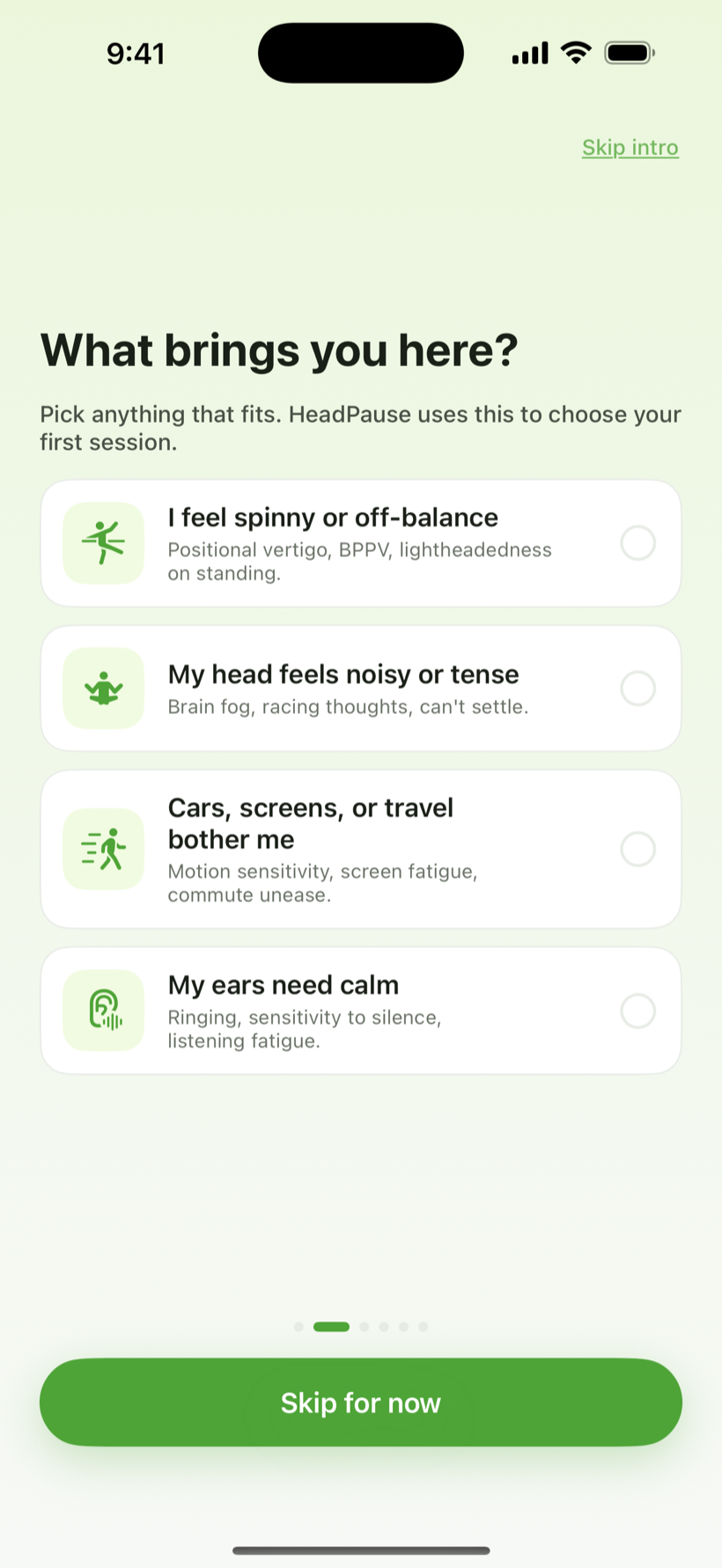
Three rows, one line each: Balance for vertigo and BPPV routines, Still for eyes-closed steadiness practice, and Motion for holding the horizon in moving environments. Under the header, all guided, all private. Nothing leaves your device.

There is no permission tile on this page. HeadPause asks for one permission, AirPods motion, and only when you press Start on a session for the first time. No microphone, no HealthKit, no location.

What leaves the phone

Nothing. Head motion samples are read in memory, scored, and discarded at the end of the session. Only the derived summary is saved.

Onboarding modes overview listing Balance, Still, and Motion
2.3 · The AirPods status chip

The chip in the top-right tells you whether you can start.

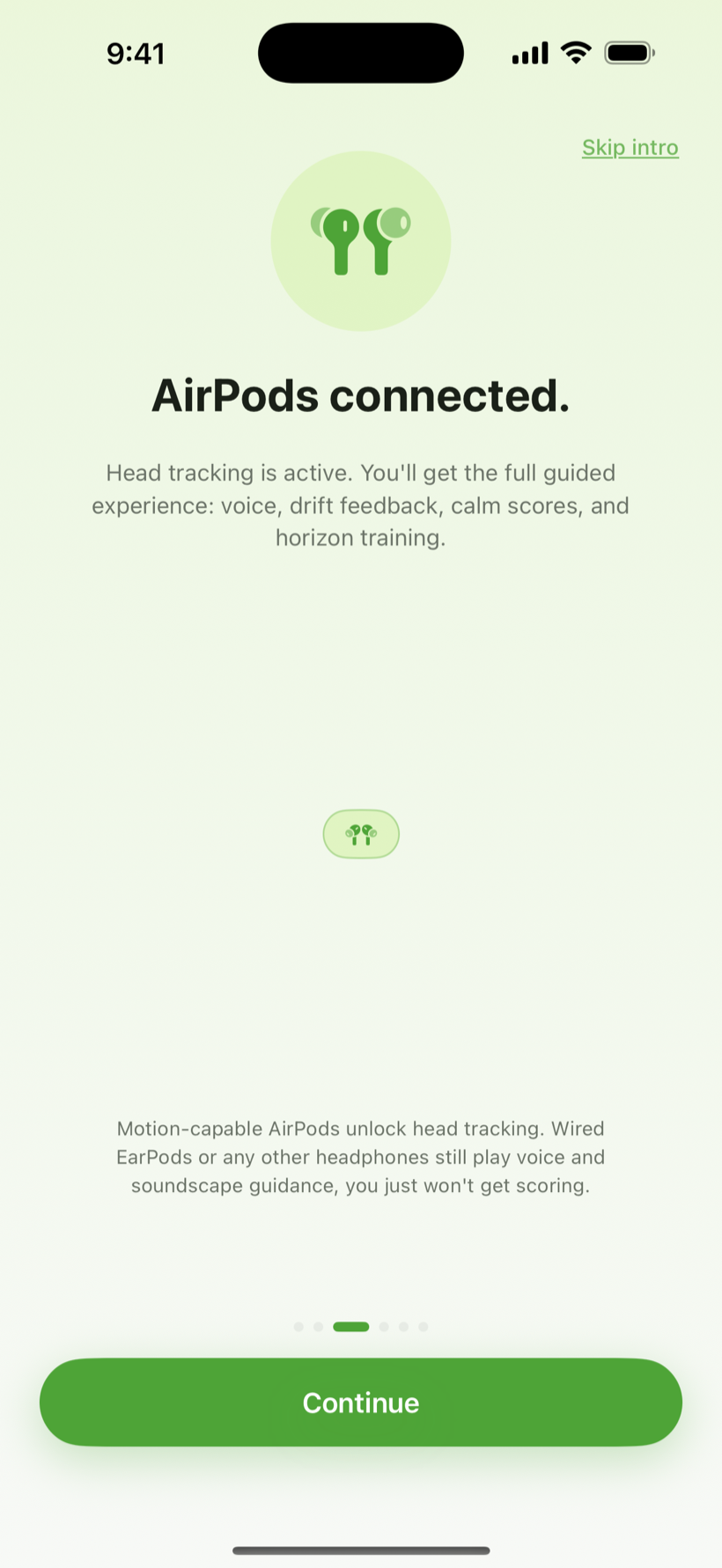
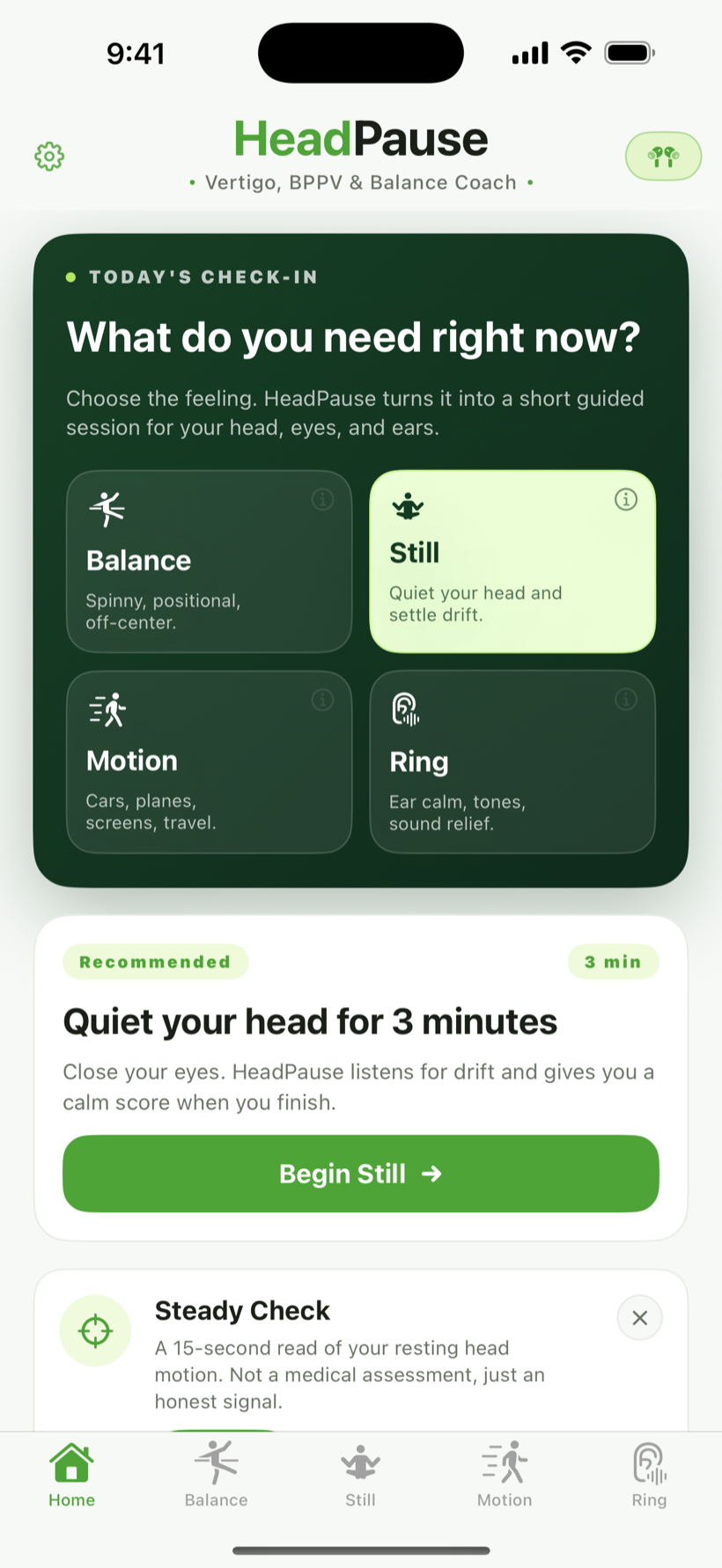
Every screen in HeadPause has a small chip in the top-right corner showing the currently connected audio output. If you see AirPods Pro, AirPods Gen 3, or AirPods Max, you are ready.

If you see AirPods not connected, pair or reconnect your AirPods. On the simulator or an unsupported device, the chip reads Unsupported and routines stay disabled.

HeadPause Home tab showing the AirPods status chip in the top-right corner
Part 3 · Balance

The eight symptom-first routines.

Epley, Semont, Brandt-Daroff, Half-Somersault, BBQ Roll, Gaze Stabilization, and the baseline tests. Each one, step by step.

3.1 · The Balance home

Eight routines, grouped by what they are for.

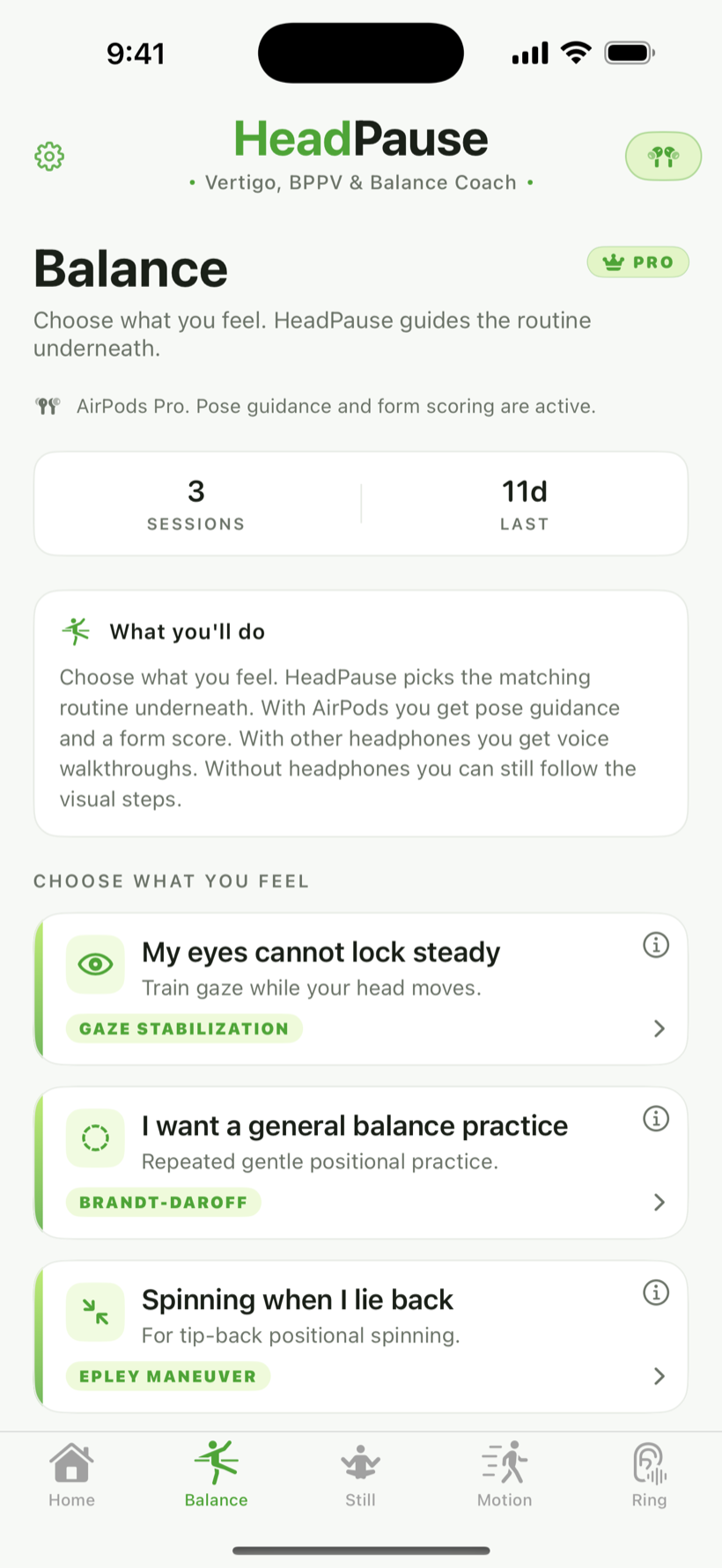
The Balance tab lists every routine as a card with a short description and the expected duration. The symptom-first routines are grouped at the top:

  • Epley — posterior canal BPPV, the most common presentation
  • Semont — an alternative for posterior canal BPPV
  • Brandt-Daroff — habituation exercise, often assigned after Epley
  • Half-Somersault — a gentler alternative to Epley for people who can kneel
  • BBQ Roll — horizontal canal BPPV
  • Gaze Stabilization — vestibular ocular reflex practice

Two baseline tests (Dix-Hallpike and Supine Roll) sit at the bottom of the list. They are not treatments; they are what clinicians use to tell which side and which canal is involved.

Balance tab listing eight vestibular routines grouped by symptom
3.2 · Inside a routine

Each step says what, how long, and what you should feel.

The routine screen is a single card with the step number, a large timer, a diagram of the head position, and the short instruction line. The app reads the instruction aloud through your AirPods.

The footer has two buttons: Pause and Skip step. The timer only counts down when your head reaches the expected pose. That is what the motion sensor is for.

Safety

If the app detects you are walking or moving around during a lie-down routine, it pauses automatically and asks you to find a safe surface.

Mid-routine Epley step with large timer and paced instruction line
Part 4 · Still

Eyes-closed steadiness practice.

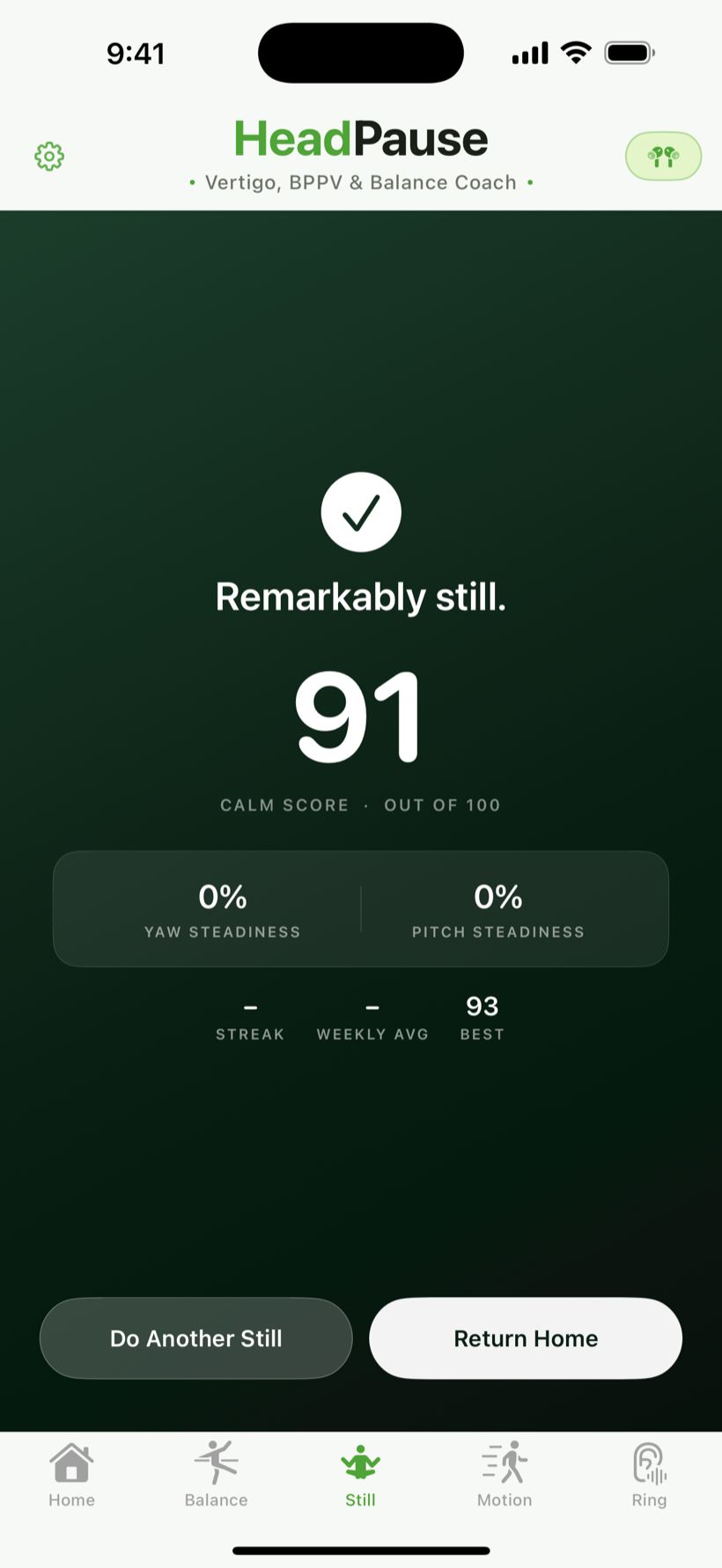
Sit quietly, close your eyes, and let the app measure how much your head drifts. Drift chimes, calm score, held-steady percent.

4.1 · The Still session

Sit, breathe, and let the app measure the rest.

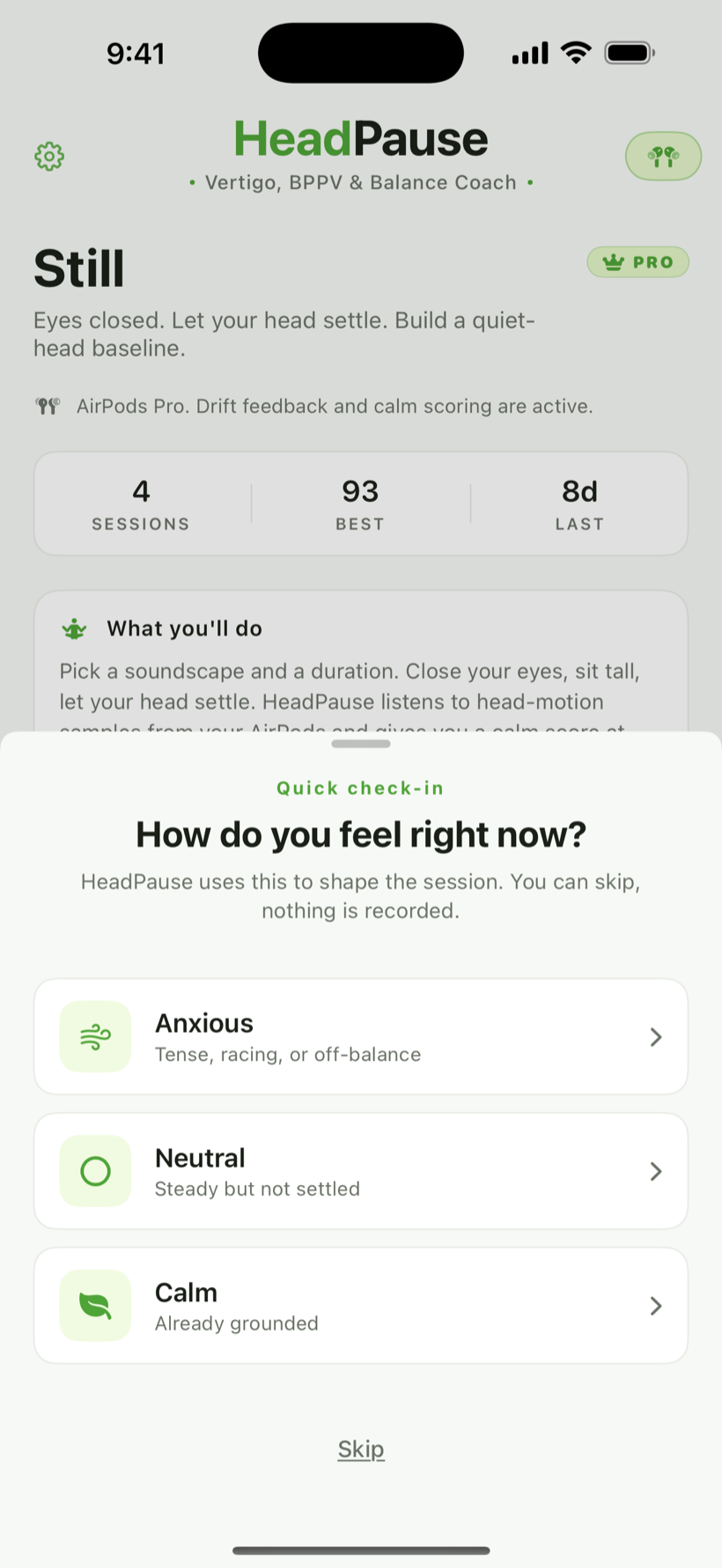
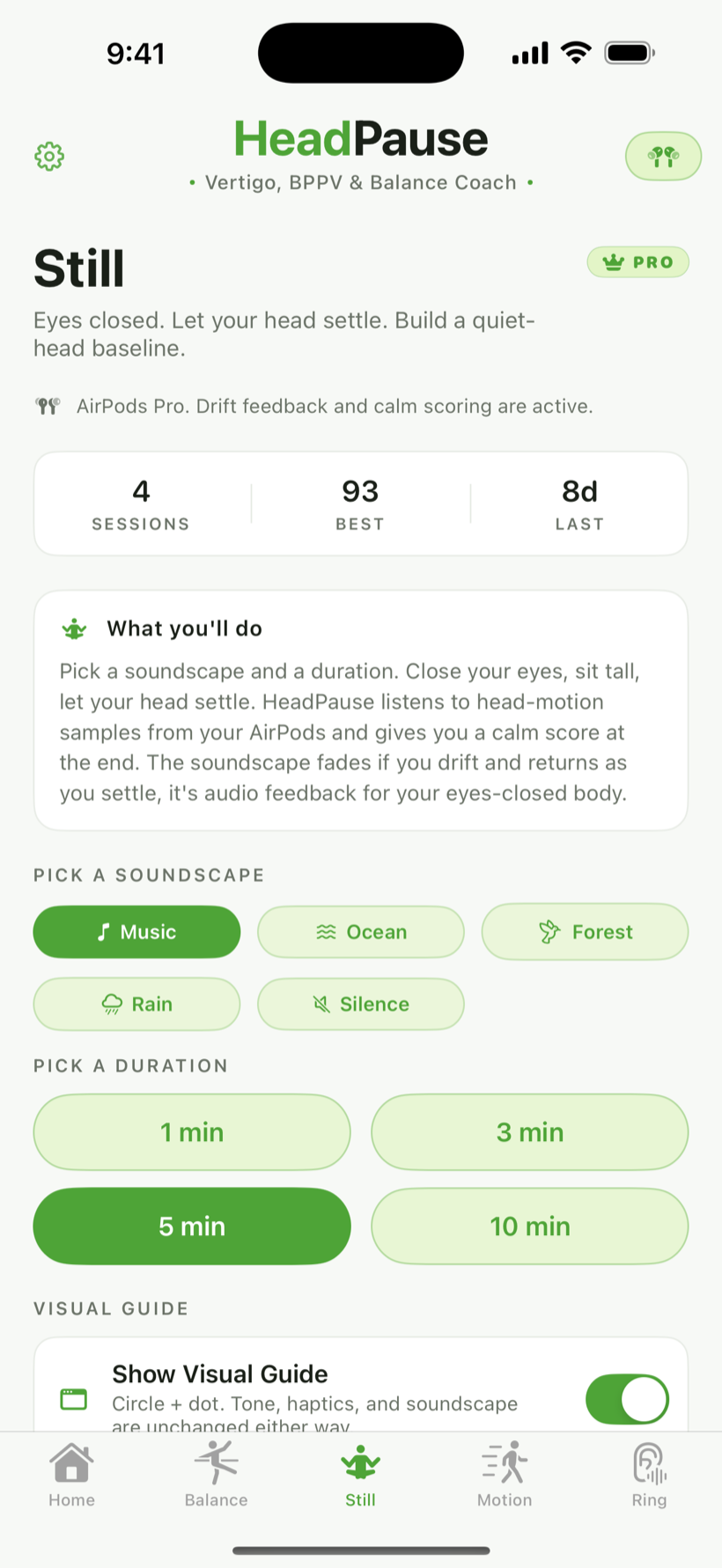
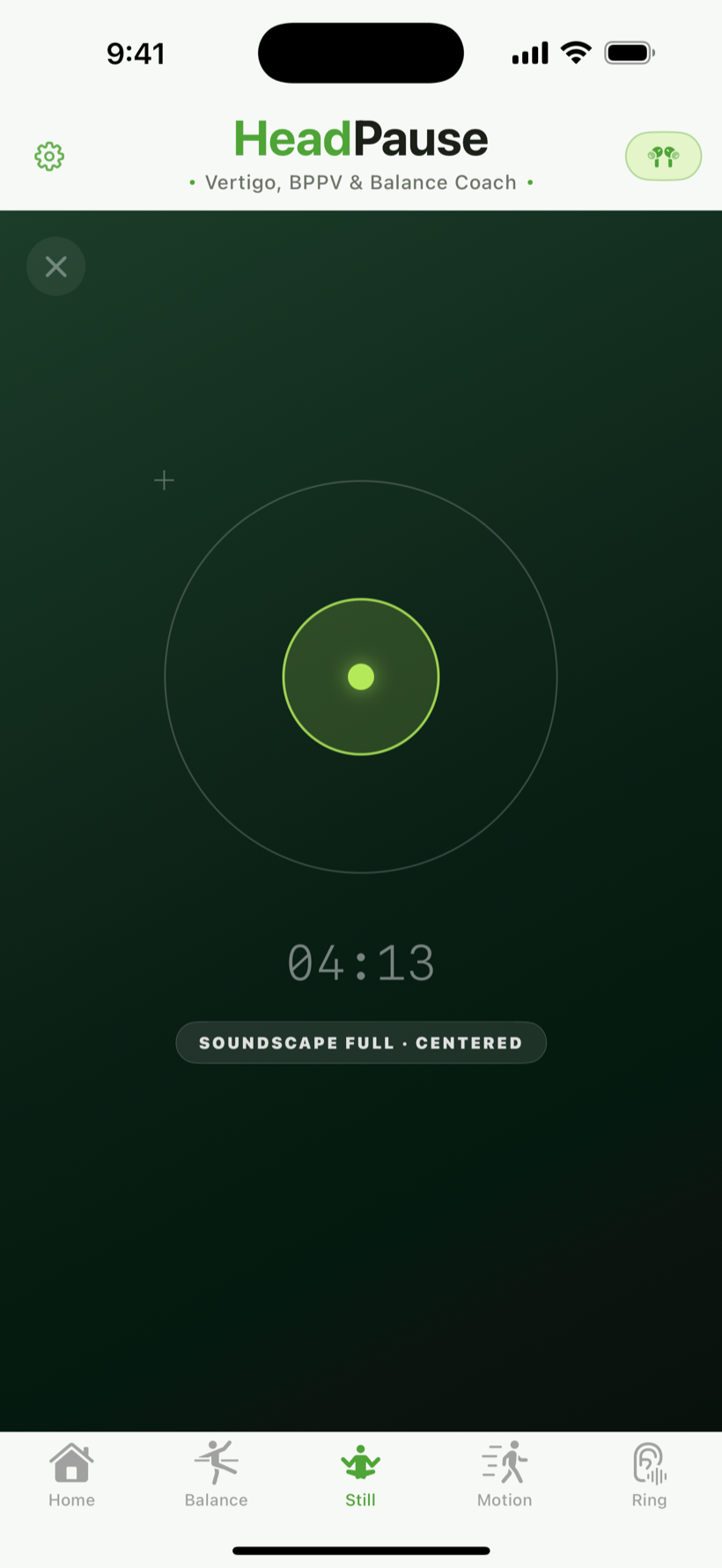
Still sessions are three, five, or ten minutes. You sit comfortably, close your eyes, and let the app read your head position. A soft ambient soundscape plays through your AirPods for the whole session.

The soundscape fades when your head drifts and returns as you settle. That is your closed-eyes feedback loop.

  • Held-steady percent — the fraction of samples inside a six-degree tolerance around your starting pose
  • Peak drift — the largest single deviation during the session
  • Calm score — a combined read that rewards time spent near your starting pose
Still session mid-run showing the calm orb and remaining time
4.2 · The recap

What the app shows you after a Still session.

The recap is three numbers and a small drift chart. The chart is a single line plotting head pitch over time, with a shaded band marking the six-degree tolerance window.

The numbers are the ruler. They are not a judgment. The recap ends with a single sentence: "Saved. Come back when you are ready."

Still session recap with calm score, held-steady percent, and peak drift
Part 5 · Motion

Keeping a horizon in the back of a moving car.

Box-breathing pacer, horizon-hold percent, haptic nudges, and why Motion exists for cars, trains, and planes.

5.1 · The Motion session

Box-breathing pacer, horizon-hold window, haptic nudges.

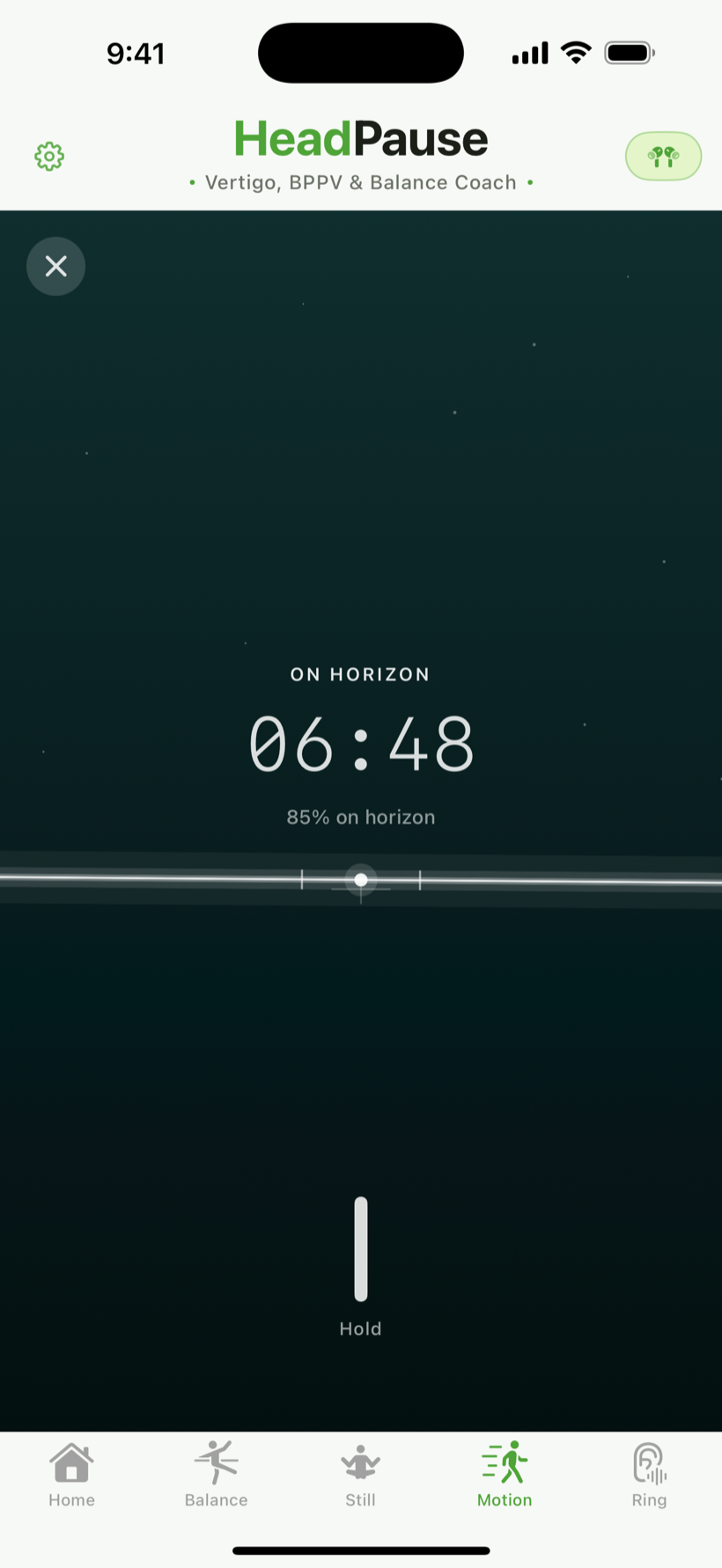
Motion is designed for passive travel. You are in the back seat of a car, on a train, or on a plane. You keep your head level, look through the window, and let the app pace your breath.

A soft haptic tap marks each edge of a box-breath cycle: in, hold, out, hold. A slightly stronger tap fires if you leave the horizon window for long enough that a reminder helps.

Never use while driving

Motion mode is for passengers only. If the app detects driver-like motion patterns, it declines to start the session.

Motion session mid-run showing horizon indicator and box-breathing pacer
Part 6 · Progress

What a month of practice looks like.

Completion counts, personal bests, trajectory. The patterns you start to notice after a few weeks.

6.1 · History

Completion counts, personal bests, and a small streak.

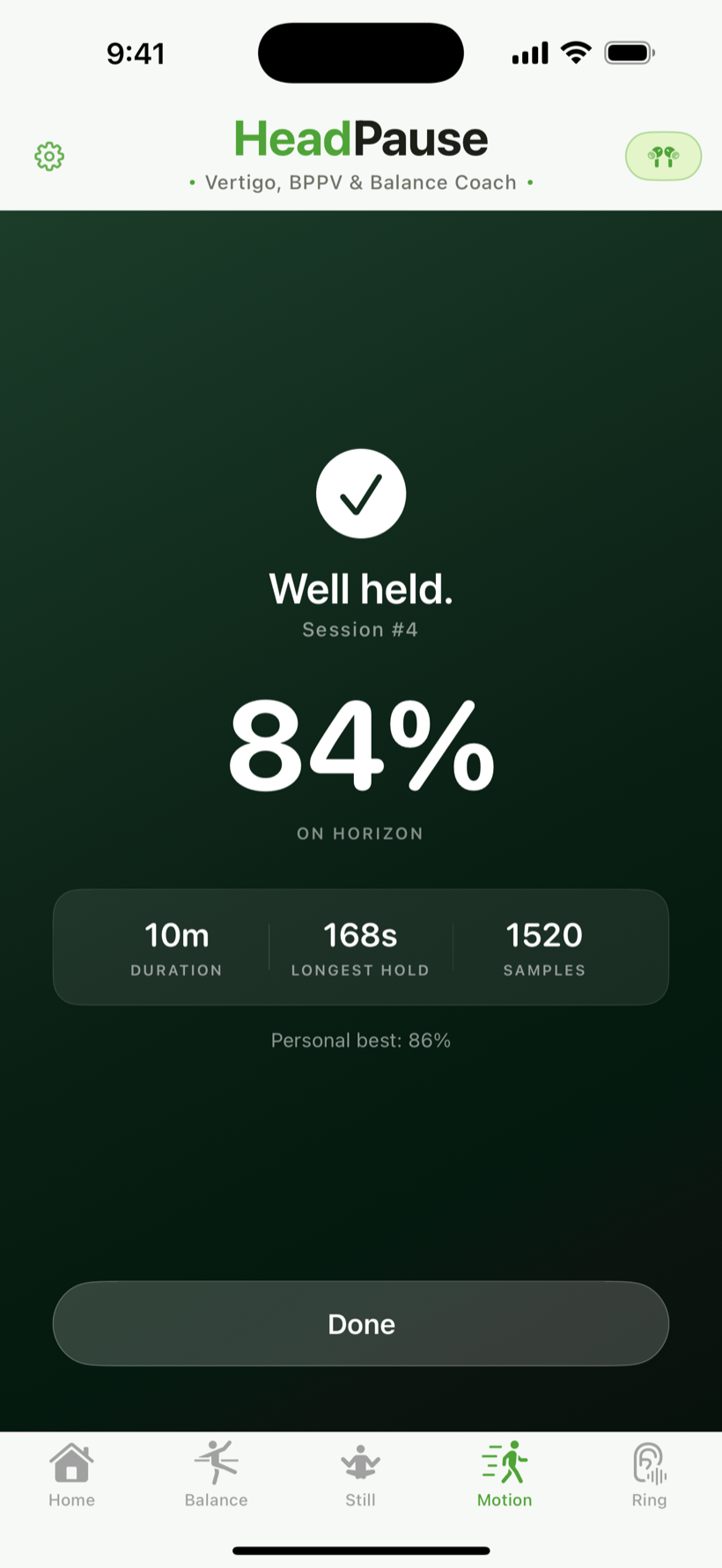
History is a scrollable list of every session you have ever run, grouped by week. Each row shows the mode, the duration, and the primary metric.

ModePrimary metric
BalanceCompletion status and which side was worked
StillCalm score and held-steady percent
MotionHorizon-hold percent and session duration

A small streak counter at the top tracks consecutive days with at least one session. There is no leaderboard, no social, no share button.

Progress tab with practice history grouped by week and personal bests
Part 7 · Settings and privacy

What is yours to control.

AirPods status chip, iCloud sync toggle, reset, and the single permission HeadPause asks for.

7.1 · Settings

A short list, on purpose.

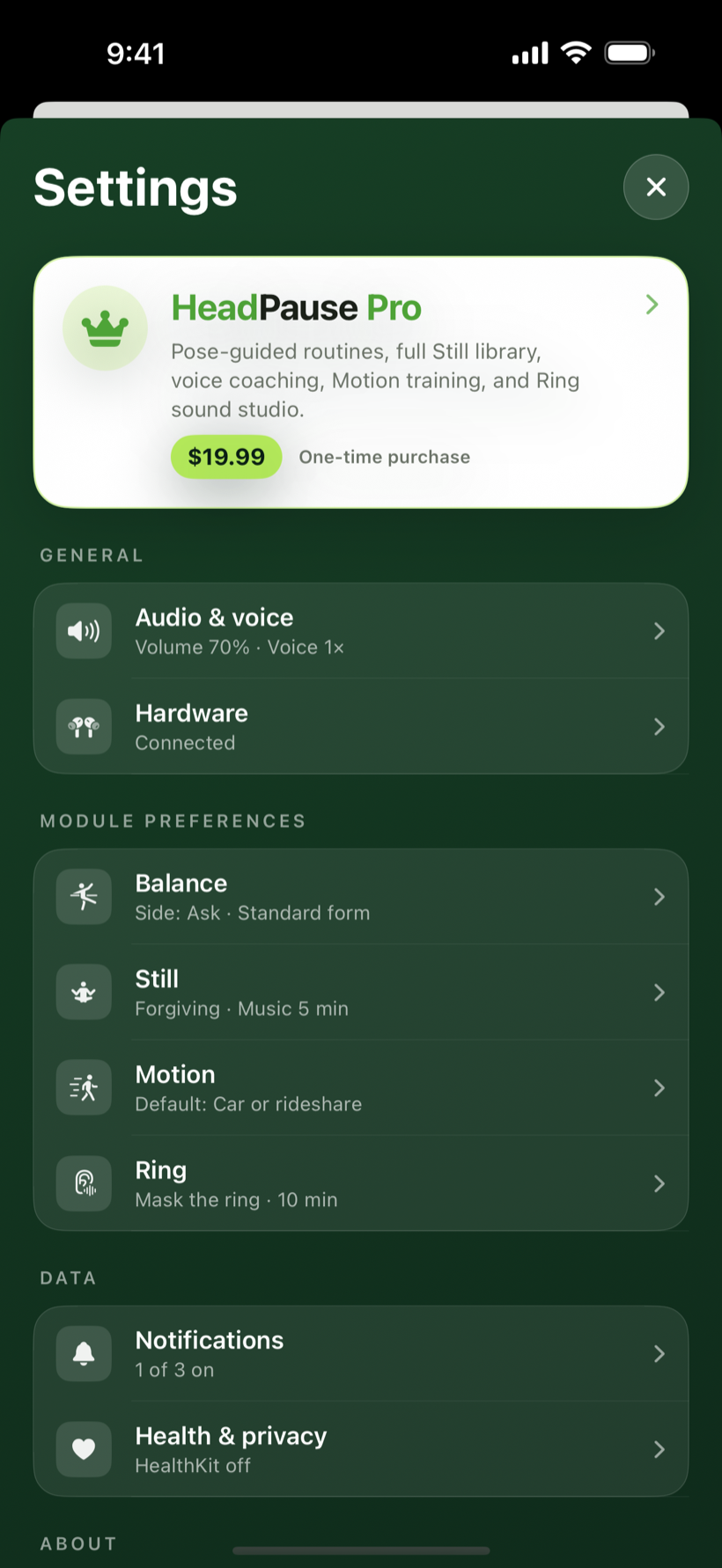
Settings has five rows:

  • iCloud sync — on or off. Off by default.
  • Voice cues — on or off. Controls whether the app reads instructions aloud.
  • Haptics — on or off. Motion mode haptic pacer and nudges.
  • Reset practice history — wipe all local session summaries and counts.
  • About — version, links to Privacy, Terms, Support.
HeadPause settings sheet with iCloud sync, voice cues, haptics, and reset

Ready to try it?

HeadPause is in development. An App Store release is planned for iPhone. If you want to follow the build, reach the GMX3C team, or read the details on how your data is handled, everything is one click away.

Back to HeadPause

Or read the Privacy Policy and the Support FAQ.